Problem :
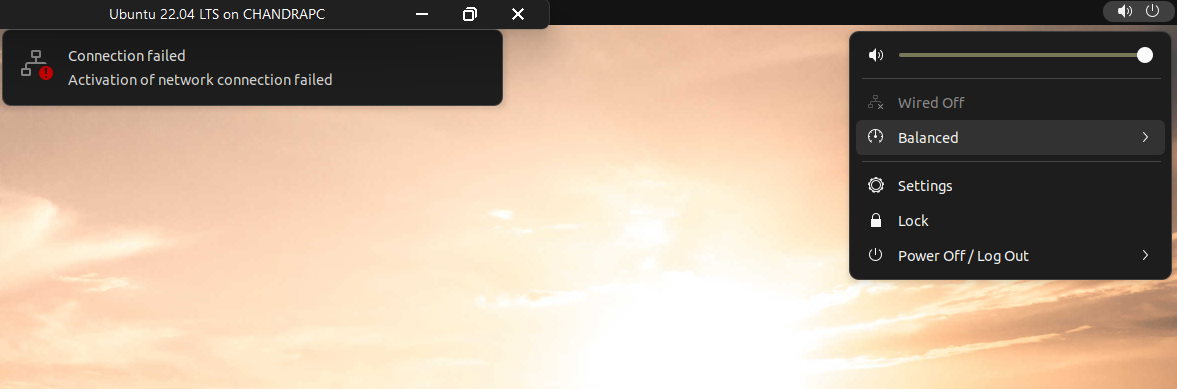
- Ubuntu Hyper-V refused to connect to the internet despite the correct configuration.
Ubuntu Screenshot
Hyper-V Network configuration.
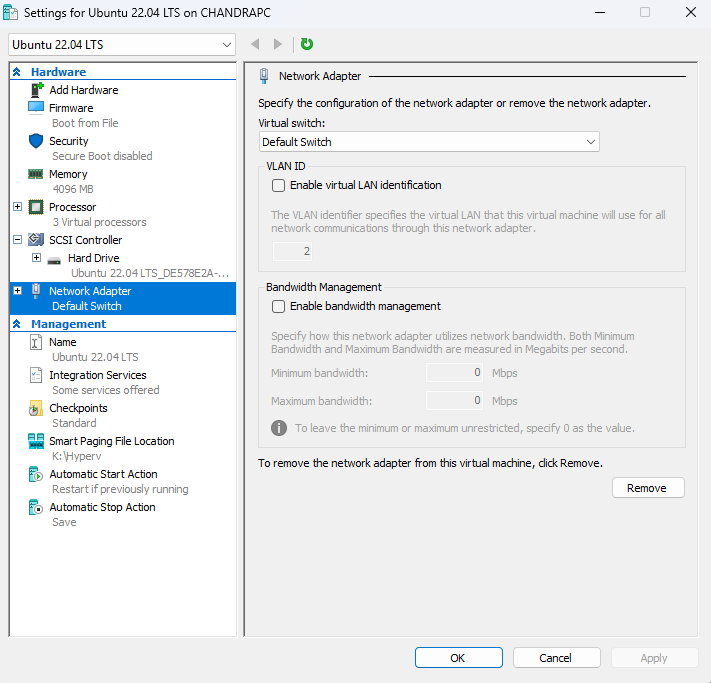
Description :
The Fix :
1. The “Power Cycle” for Hyper-V Networking
Sometimes the internal NAT service just needs a kick.
- Shut down your Ubuntu VM.
- Open PowerShell as Administrator on your Windows host.
- Run these commands to restart the Host Network Service: PowerShell
Restart-Service hns- Start the VM and check if “Wired” connects automatically.